Shift calendar & pay tracker
Scan your roster, see every shift at a glance, and know what you'll earn, overtime and holiday pay included.
Free on theApp StoreiPhone, iPad and Apple Watch · iOS 18 or later · No account needed
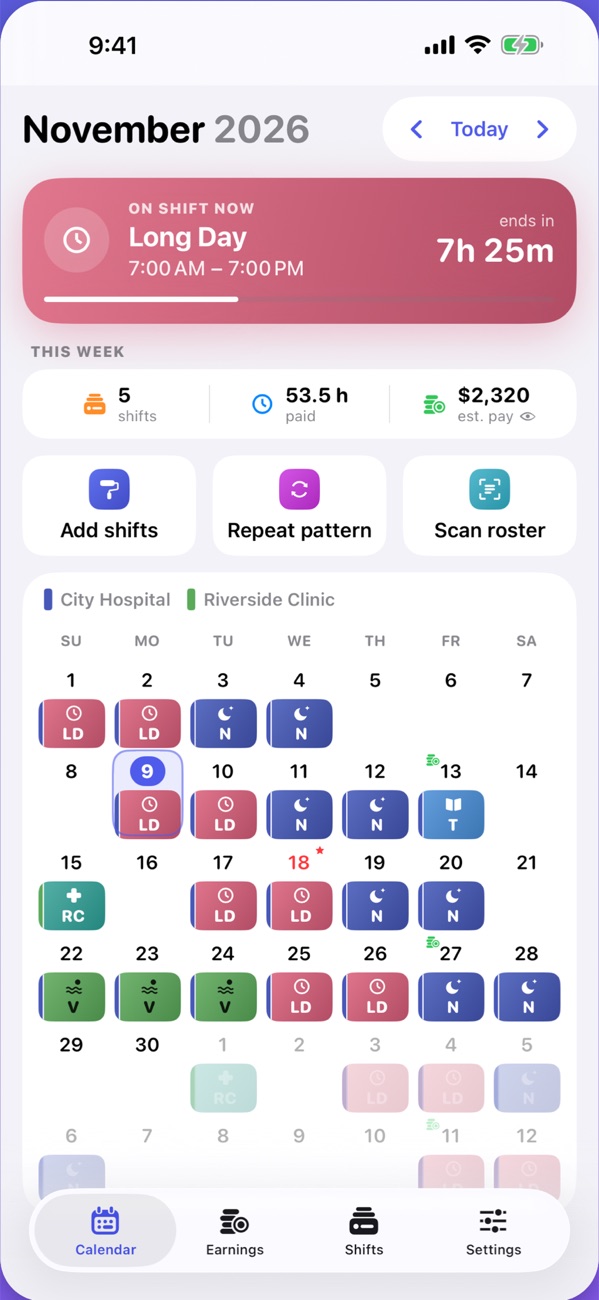
Made for people whose week never looks the same twice
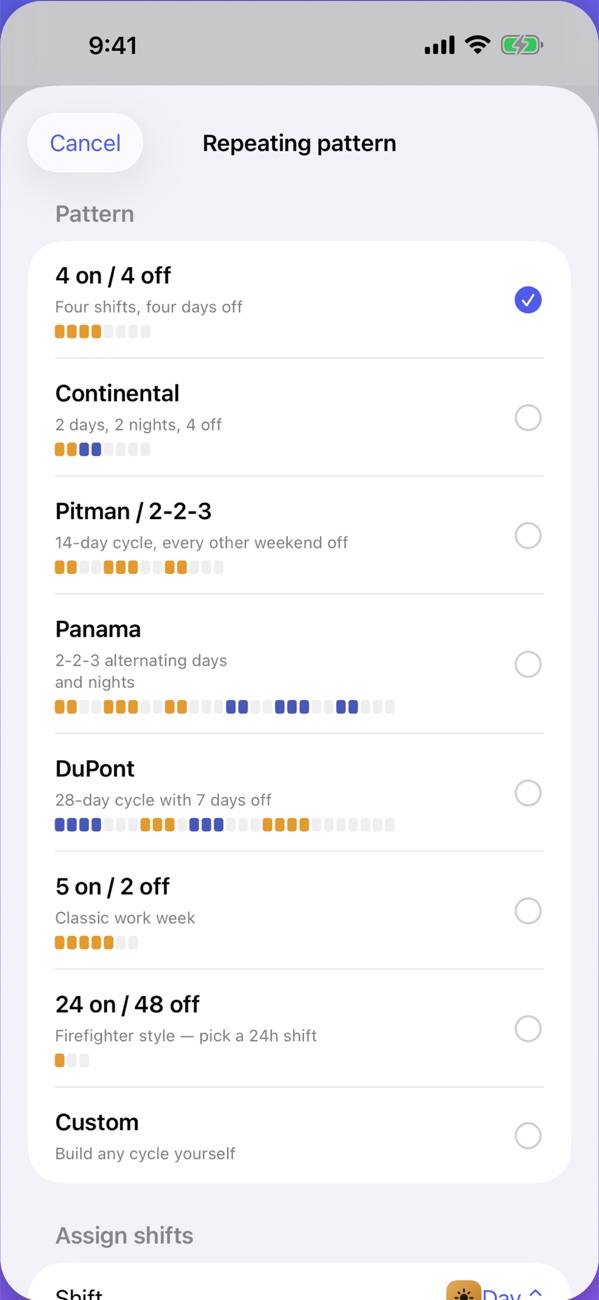
Set your rotation once and every shift lands on the right day, for as far ahead as you need.
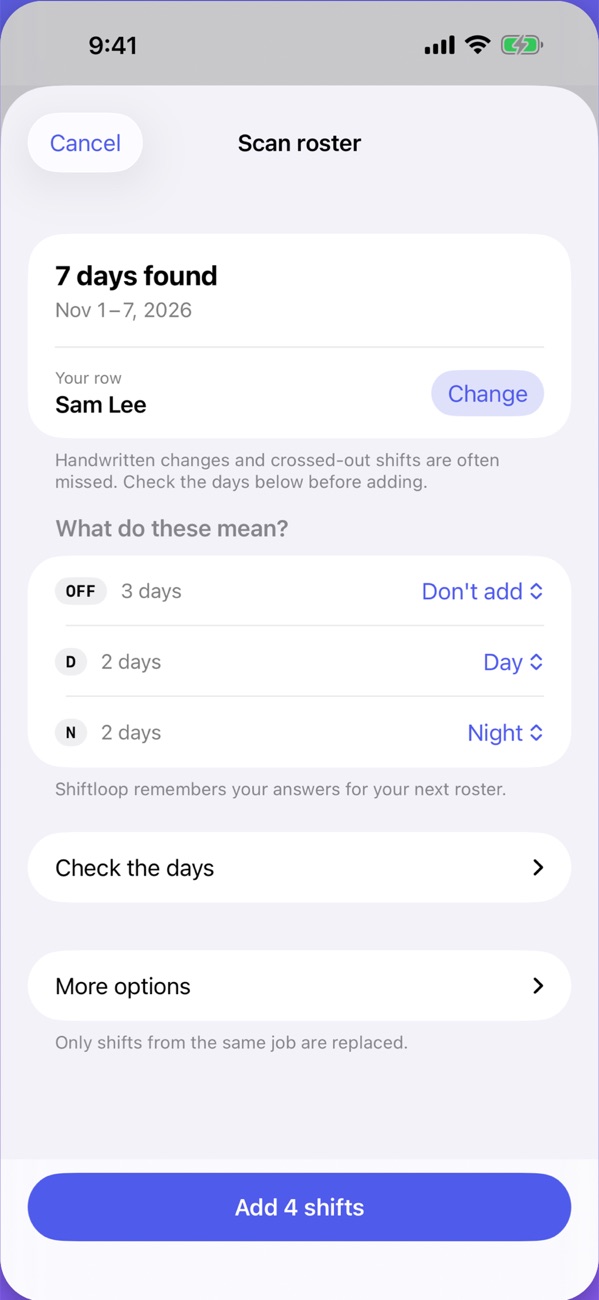
Stop typing shifts in by hand from the sheet on the wall.
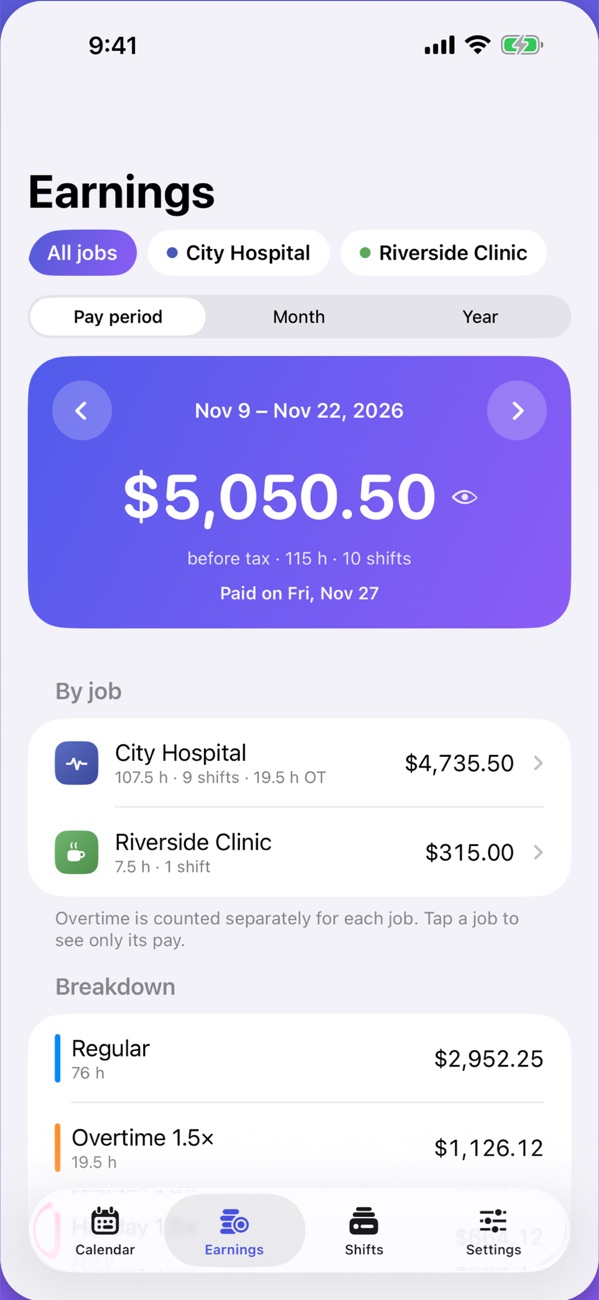
See what each shift pays before the pay stub arrives, so a short payment doesn't slip past you.
The small things that make a shift calendar worth opening every day.
A nudge before each shift, with your own sound.
Your next shift without unlocking your phone.
Home Screen widgets, the Live Activity, and your schedule on your wrist.
Each job gets its own colour, shift types and pay, in one calendar.
Release a shift to your team and a coworker can take it. Free, with no account.
Your calendar on your family's phones, always current.
Syncs through your own iCloud. Shifts can also appear in Apple's Calendar app.
English, French, Spanish, German, Portuguese, Italian, Dutch, Polish, Japanese, Korean, Chinese and Arabic.
Big, clear text and controls that follow your iPhone's text size.
No account and no ads. Your shifts and pay stay on your devices and in your private iCloud. If you join a team to swap shifts, your pay is never shared. The privacy policy has the details.
The calendar is free with no time limit. Pro adds the extras below.
No time limit
Everything in Free, plus:
Prices in US dollars. The App Store shows the price in your own currency. Subscriptions renew automatically until cancelled, and you can cancel any time in your Apple Account settings.
Quick answers, and a way to reach us.
Questions, problems or ideas? Email us and we'll get back to you. The app's own Help is in Settings → Help.
whitecarrotstudios@gmail.comOpen Settings → Get Shiftloop Pro and tap Restore Purchases. Use the same Apple Account you bought Pro with.
Subscriptions are handled by Apple. On your iPhone, open the Settings app → your name → Subscriptions → Shiftloop Pro. Cancel at least 24 hours before it renews.
Check you're signed in to the same Apple Account on both devices, and that iCloud is on for Shiftloop in the Settings app → your name → iCloud.
In Shiftloop, open Settings → Erase all data. The privacy policy explains how to remove the copy in iCloud and any team data.
Free on the App Store for iPhone, iPad and Apple Watch.
Free on theApp Store Shiftloop